Pinyin Converter

Pinyin into Characters

Pinyin

Drop a file here

PDF, Word, .txt, .srt, .vtt or .lrc, up to 2 MB (PDF 25 MB)

Chinese characters

Settings

Pinyin style
Tone change of 一 and 不As spoken (yí gè) or as in the dictionary (yī gè)
Pinyin by
Colour the tonesEach tone gets its own colour
Underline HSK wordsColour by level, HSK 1–6
Show EnglishMeaning under each word
Text size
26 px
12 px
13 px

How to use it

  1. Type “jiao” and look at the characters in the result.
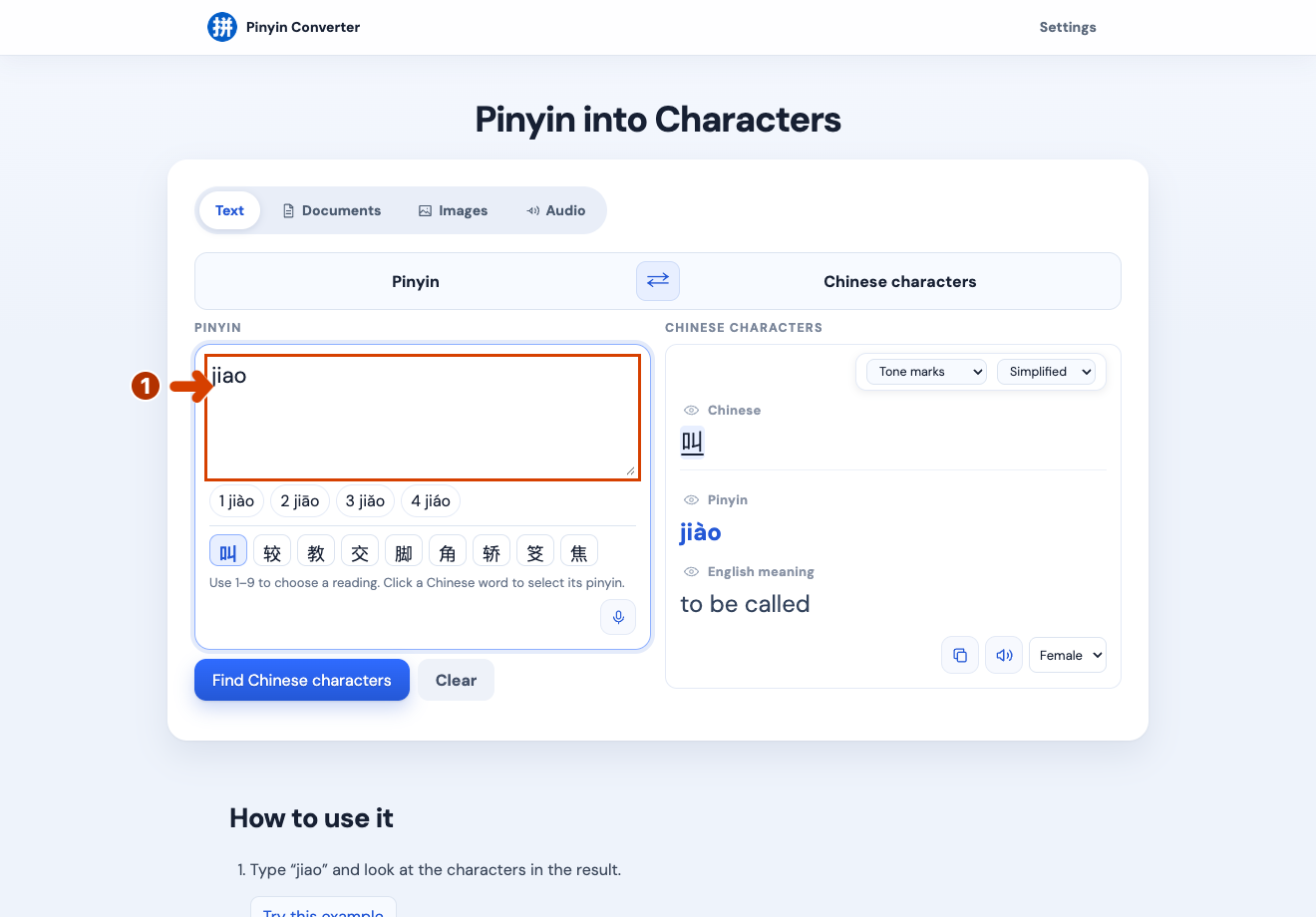
    Type “jiao” and look at the characters in the result.Open full-size screenshot
  2. Click a character in the result to select its pinyin. The alternatives appear below the input.

    Click a character in the result to select its pinyin. The alternatives appear below the input.Open full-size screenshot
  3. The same tool reads documents, photos and audio. Choose Documents, Images or Audio above the box.

    The same tool reads documents, photos and audio. Choose Documents, Images or Audio above the box.Open full-size screenshot

Tips

Type a word without spaces to look it up as a unit. To try several syllables together, select them in the input.

A tone mark or number narrows the lookup to readings with that tone.

FAQ

How do I read Chinese as pinyin?

Use the arrows between the language names. Paste the Chinese text into the left field.

Back to the tool

See also